
Our website has a home search and a free waterway map. This guide shows what you can use right away and what needs a free account. We checked the site while signed out, on a computer and on a phone.
What you can use in the home search without an account
Search and map
Open our home search. You see a map with a price on each pin. You can filter by price, beds and baths, size and year, status and FEMA flood. Each home card shows a photo, the price, the address, beds, baths and square feet. Each card also has a line that says “Est. true cost / mo” with an Unlock button. That part needs a free account.
The listing page
Click a home. The page shows photos, the price, the year built and the seller’s description from the MLS (the local listing service). It also shows the listing history. That is a list of dates, events and prices. You can save the home, ask for info, ask for a tour, or call or text an agent.
How to use the free waterway map
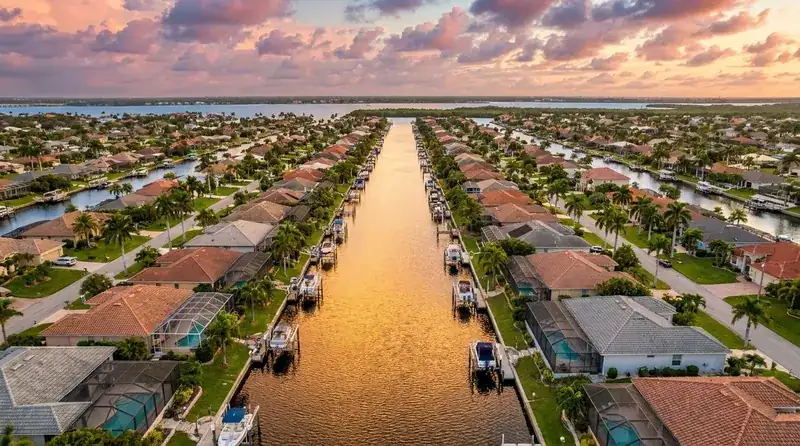
Our waterway map loads without a sign-in. The page describes itself this way: “This free map labels Cape Coral canals by name and classes each one as saltwater or freshwater from City of Cape Coral GIS data, with the bridges, flood zones and utility service areas around it.” The page says to type an address or a canal name. It also says: “A starting point, not gospel.”
What the home search locks until you make a free account
Some parts of the home search are locked until you sign up. Here is what we saw while signed out.
- The “Est. true cost / mo” line on each home card.
- The maps on a listing page that you can click and move are locked. These are the property, flood and assessment maps.
- The true monthly cost calculator is locked.
The banner on the listing page says: “You’re seeing the free surface. Create a free account to unlock the 100 deep data points on this home, bridge clearance, flood elevation, utility assessments, and the true monthly cost.” When you sign up, the form asks for your name, email and phone.
How to check water access for one home
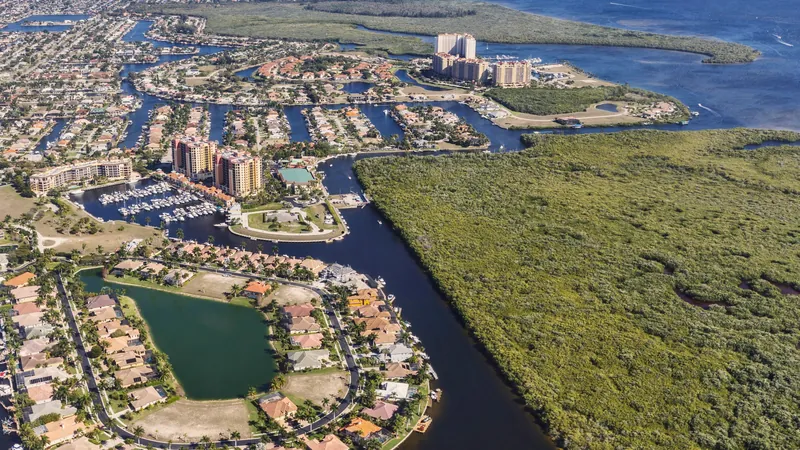
Start with the words in the listing. If it says “water access” or “Gulf access,” treat that as “per the listing” until someone checks it. A canal near a home does not prove you can boat out. Use the waterway map to look at the area. Then ask us to check the route, the bridges and the depth for that home before you rely on it.
Next step: open the home search
Open the home search and click any home. To see the locked parts, make a free account on the listing page. Have a question about a home? Use the contact form on the listing page. You can also book a call or call 239.895.9383.
New to reading listings? Our guide on how to read a home listing explains which facts are measured and which are only reported. Buying land? See buying a lot in Southwest Florida.
The Milner Team at Florida Future Realty.
This is general information about our website, not legal, tax, insurance or lending advice. Site features can change. We checked them on November 9, 2026.